Liquidity Task
Add Liquidity
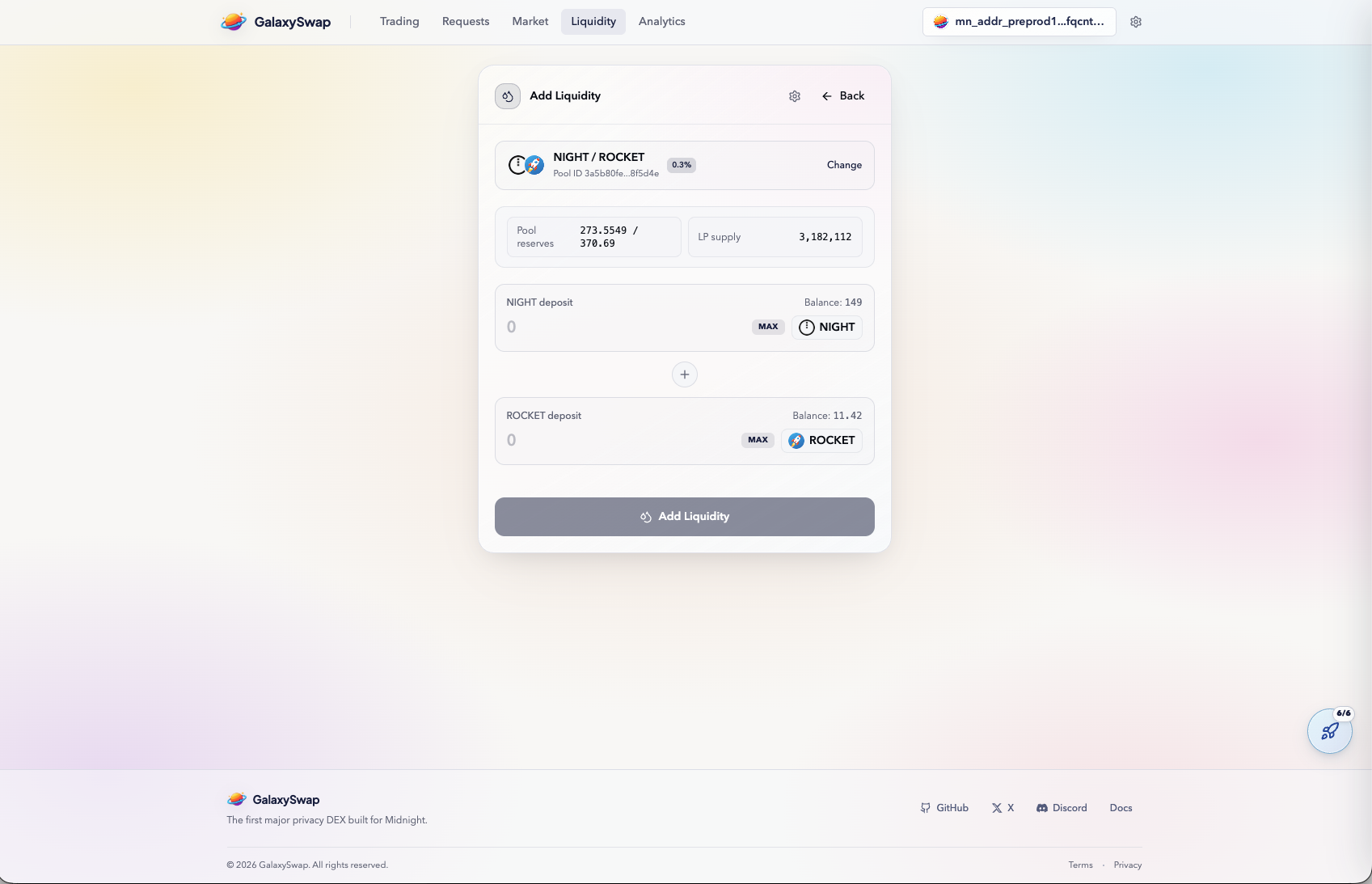
Adding liquidity means depositing a token pair into a pool that supports swaps for other users. In exchange, you receive LP tokens that represent your share of that pool. This is a foundational DEX mechanism and a core part of the GalaxySwap testnet journey.
You must provide both assets in the pair, such as NIGHT and ROCKET. The interface helps calculate the correct ratio to maintain pool balance. This reduces setup errors and keeps deposits aligned with pool requirements.
Enter Liquidity Amount
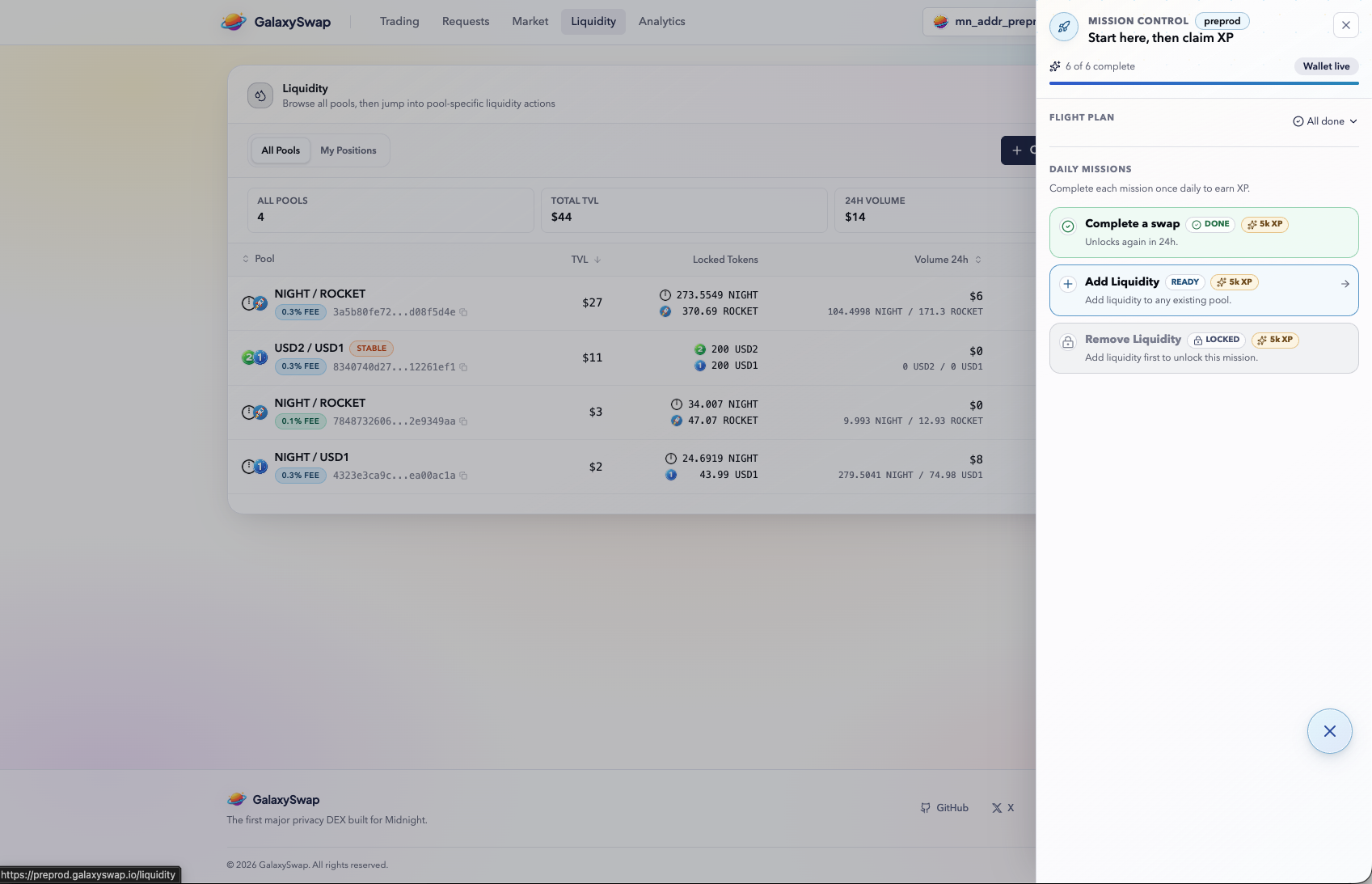
Set the amount you want to supply and review how the paired token amount updates. GalaxySwap validates balance and ratio expectations before submission. This makes the process smoother, especially for first-time liquidity providers.
Providing liquidity is considered higher-engagement activity compared with basic swaps. It is commonly used in mission logic and XP progression. Completing this step demonstrates interaction with a wider part of the protocol.
Liquidity Confirmation
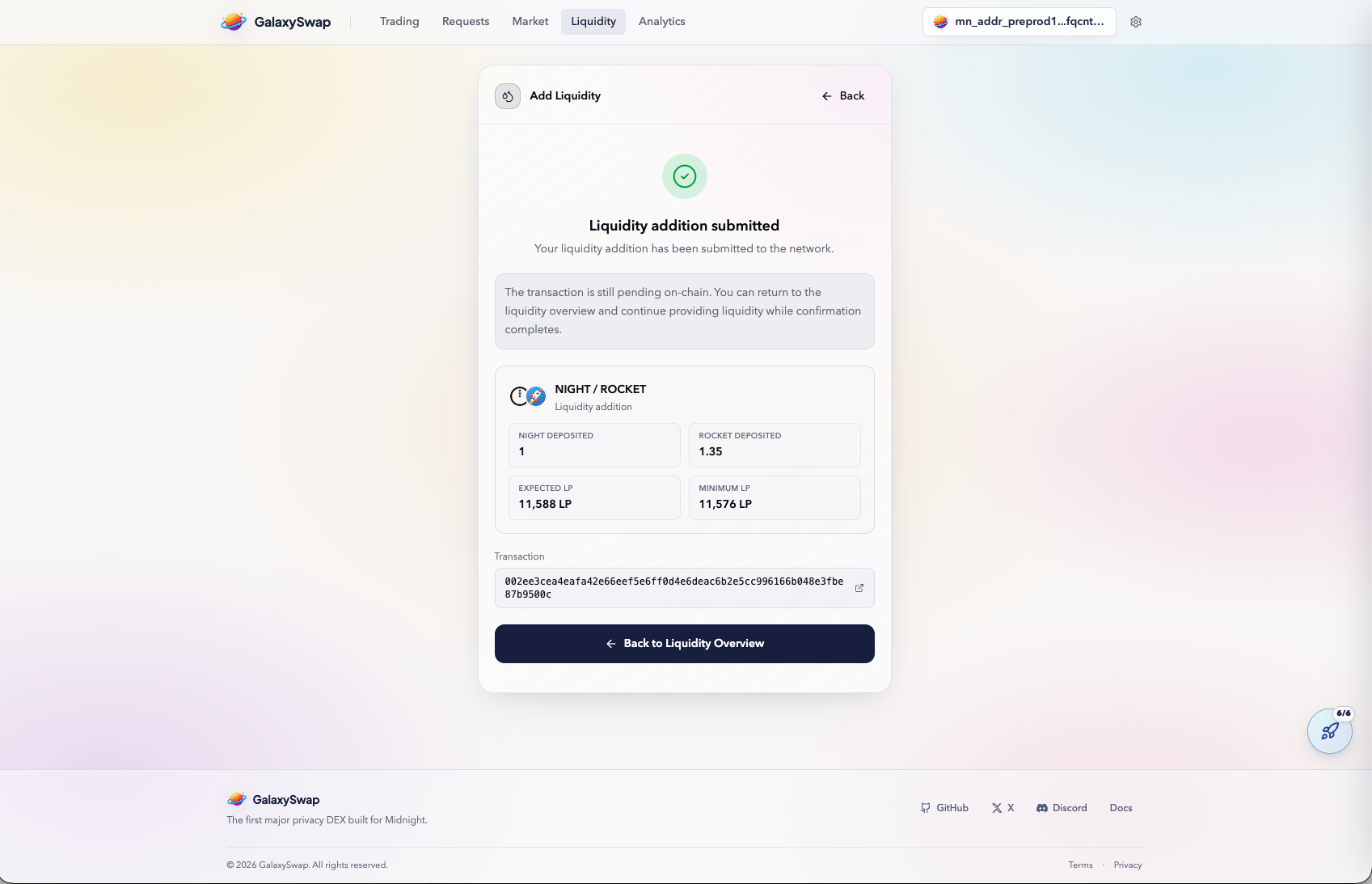
After submitting, the confirmation screen summarizes deposited amounts and LP tokens received. This confirms the pool position was created successfully from the UI perspective. If network processing is still finishing, status may transition shortly after.
LP tokens represent withdrawable ownership of your pool share. This means liquidity provision is not permanent and can be reversed later. Understanding this tokenized position model is important for DeFi participation.
Verify Liquidity Activity
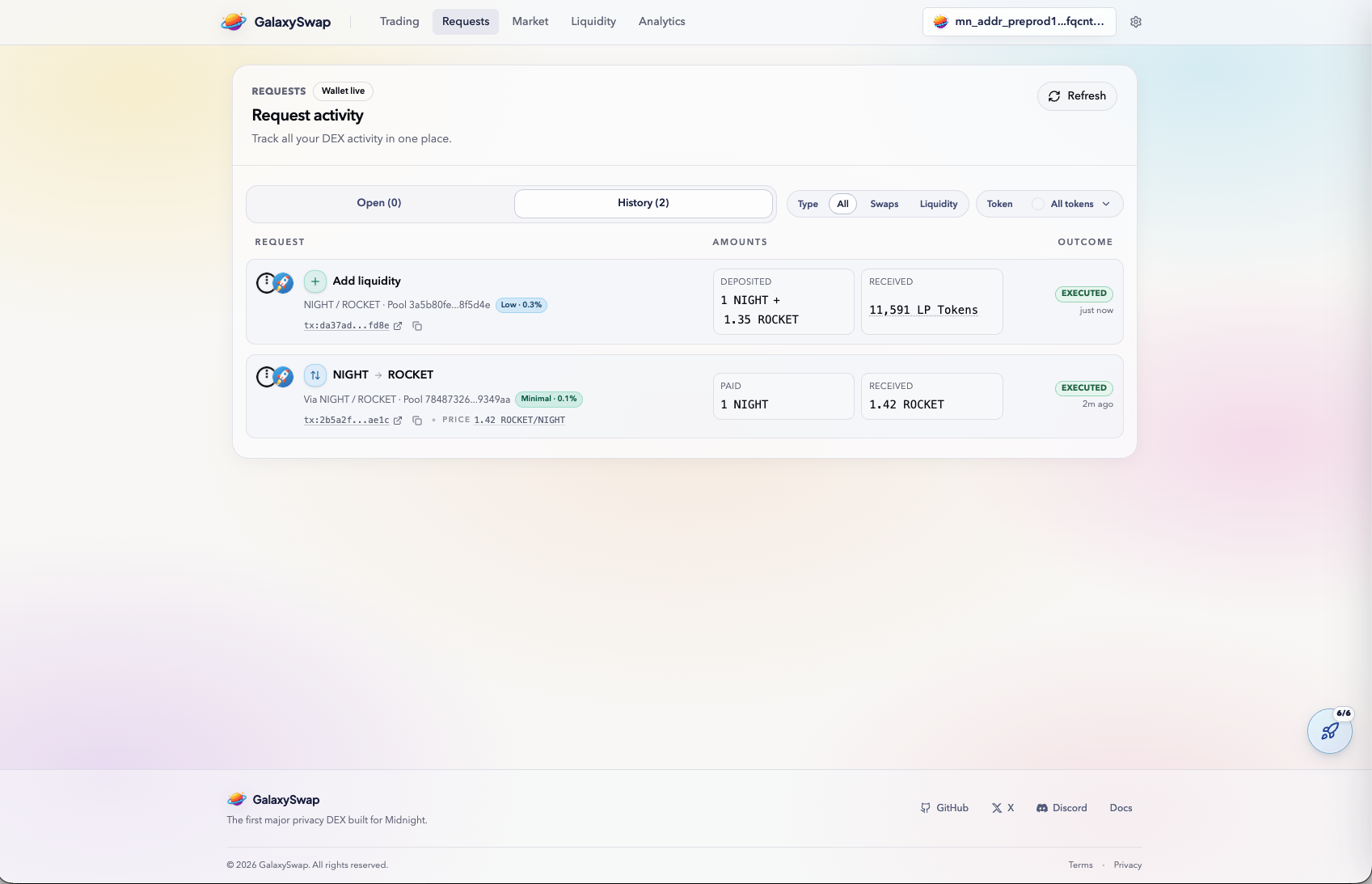
Return to the Requests tab and confirm liquidity actions appear alongside prior swaps. Seeing both activity types is useful for verifying that mission requirements were fully met. It also helps ensure XP tracking includes all eligible interactions.
Routine verification prevents missed credit from unnoticed pending or failed steps. It also gives a clearer timeline of what was executed and when. For repeatable missions, this habit improves consistency and completion accuracy.